
You can add custom columns to the Manage Sites table to display additional site information. This guide shows how to create columns using PHP filters in the Custom Dashboard extension.Documentation Index
Fetch the complete documentation index at: https://mainwp-mintlify-c0f00f42.mintlify.app/llms.txt
Use this file to discover all available pages before exploring further.
What You’ll Learn
- How to add custom columns to the Manage Sites table
- How to populate columns with site data
- How to position columns in the table
Prerequisites
- Custom Dashboard extension (free)
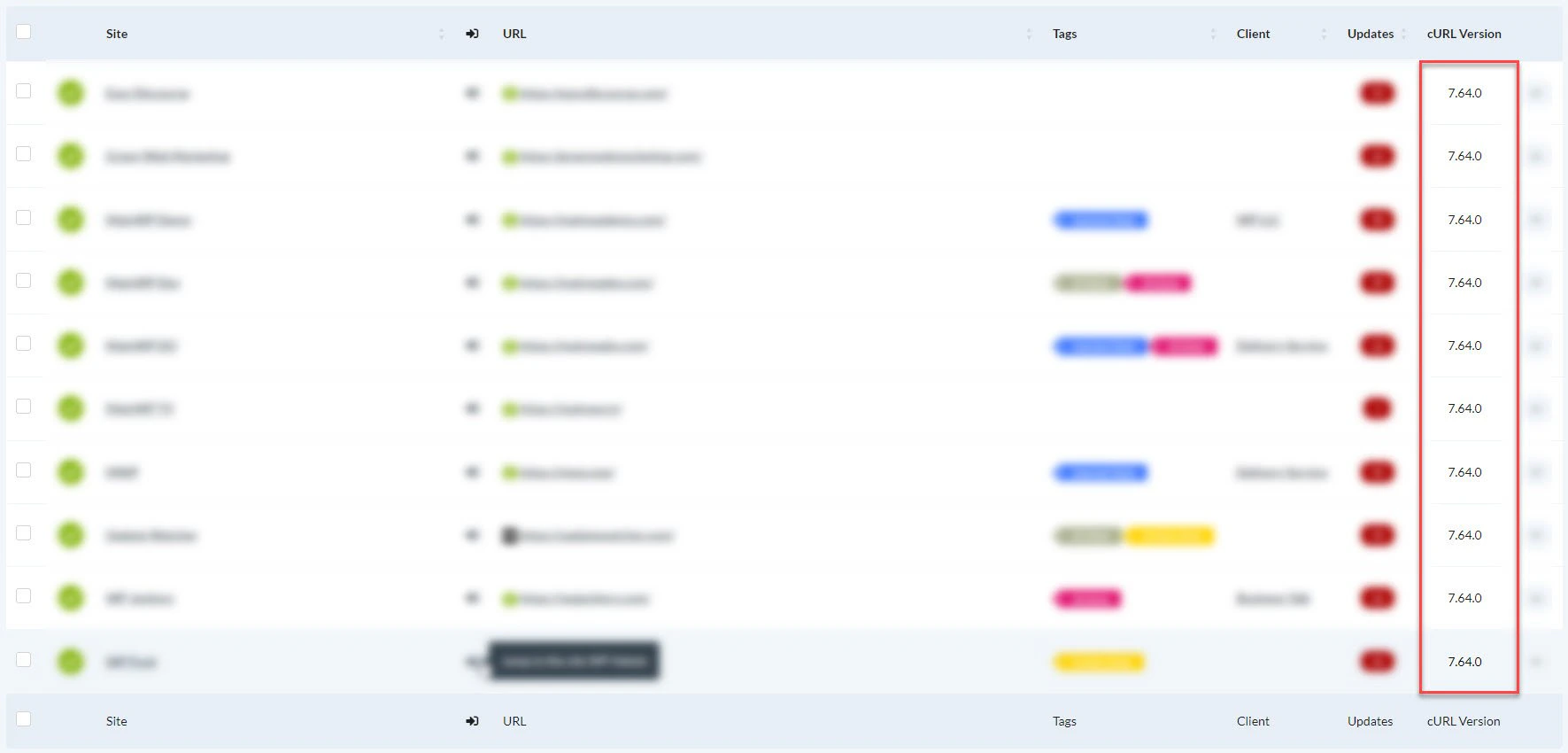
Example: Add a cURL Version Column
This example adds a column that displays the cURL version for each child site.Install Custom Dashboard
Install the Custom Dashboard extension.
How It Works
The code uses two WordPress filters:| Filter | Purpose |
|---|---|
mainwp_sitestable_getcolumns | Registers the new column in the table header |
mainwp_sitestable_item | Populates the column with data for each row |
Code Structure
Available Site Data
You can access various site information through themainwp_getwebsiteoptions filter:
child_curl_version- cURL versionchild_openssl_version- OpenSSL version used by cURLchild_version- MainWP Child versiondb_size- Database sizedebug_mode- Whether WordPress debug mode is enabledformat_datetime- Site timezone, date format, and time format settingsip- Server IP addressmemory_limit- PHP memory limitmysql_version- MySQL versionphpversion- PHP versionsite_lang- Site localesite_public- Search engine visibility valuethemeactivated- Active theme namewpversion- WordPress version
child_site_info is not a field returned by site_info. The site_info option already contains the available site data as an array.Other Column Examples
- Create a column that outputs any value or HTML you assign to
$item['column_key']
Self-Check Checklist
- Custom Dashboard extension installed
- PHP code added and saved
- New column appears in Manage Sites table
- Column displays correct data
- Column positioned as desired
Related Resources
- MainWP User Interface - Table customization overview
- Custom Dashboard Extension - Extension documentation