
Documentation Index
Fetch the complete documentation index at: https://mainwp-mintlify-c0f00f42.mintlify.app/llms.txt
Use this file to discover all available pages before exploring further.
What You’ll Learn
- Adding custom PHP, CSS, and JavaScript to your Dashboard
- Where custom code is stored and executed
- Handling PHP errors safely
- Accessing example code snippets
Extension Add-on - This add-on provides standalone functionality within MainWP Dashboard. No third-party plugins required.
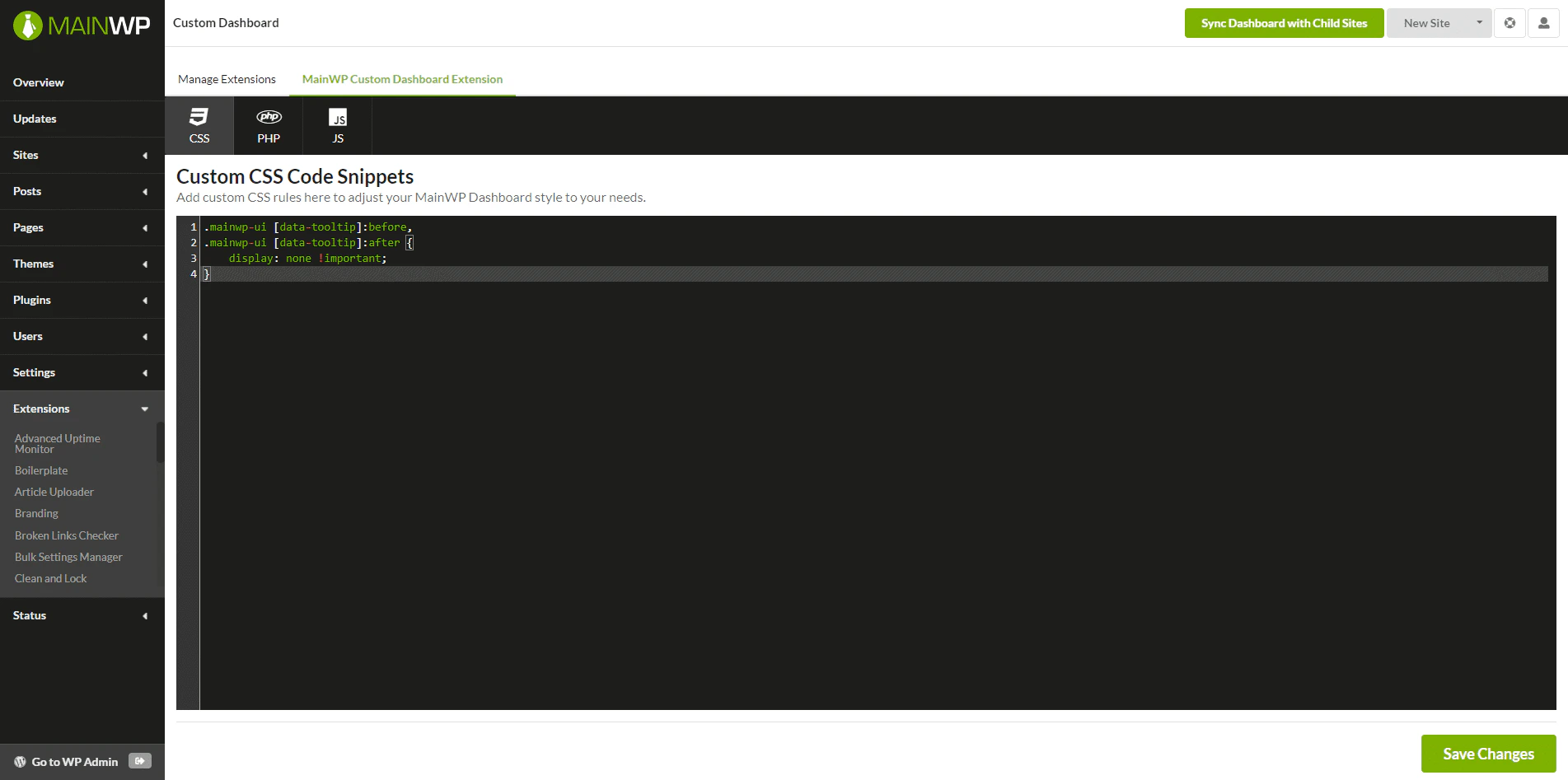
The MainWP Custom Dashboard Extension is designed to contain your custom snippets for your MainWP Dashboard.
By adding custom snippets to this plugin, you can easily extend your MainWP Dashboard functionality or change the way it looks.
After activation, open it from Add-ons > Administrative > Custom Dashboard in MainWP Dashboard.
How It Works
MainWP Custom Dashboard Extension saves your PHP, CSS, and JS snippets in WordPress options on your MainWP Dashboard site instead of requiring separate PHP, CSS, or JS files. CSS snippets are added as inline styles on MainWP pages, and JS snippets are added as inline admin scripts on the MainWP Dashboard site. Saved PHP Code Snippets are executed on page load by using the PHP functioneval().
In case the eval() function is disabled on your host, please contact your host support and have them enable it for you.
If a saved PHP snippet causes a parse or compile fatal error, the extension uses WordPress fatal-error handling or a shutdown handler to show an error message and a link back to the PHP editor with snippet execution disabled:

Related Resources
- Development Add-ons - Browse all development tools
- Code Snippets Extension - Deploy code to child sites
- Dashboard Themes - MainWP Dashboard appearance and theme behavior