
The Manage Sites page offers two display options: list view and grid view. List view shows sites in a traditional table format with sortable columns. Grid view displays sites as visual cards, which can be useful when managing sites by visual recognition or when you prefer a more compact layout.Documentation Index
Fetch the complete documentation index at: https://mainwp-mintlify-c0f00f42.mintlify.app/llms.txt
Use this file to discover all available pages before exploring further.
Prerequisites
- Access to a MainWP Dashboard site
- At least one connected child site
Switch Between List and Grid View
Locate the view toggle icons
Above the sites table, in the top right corner, find the List and Grid icons.
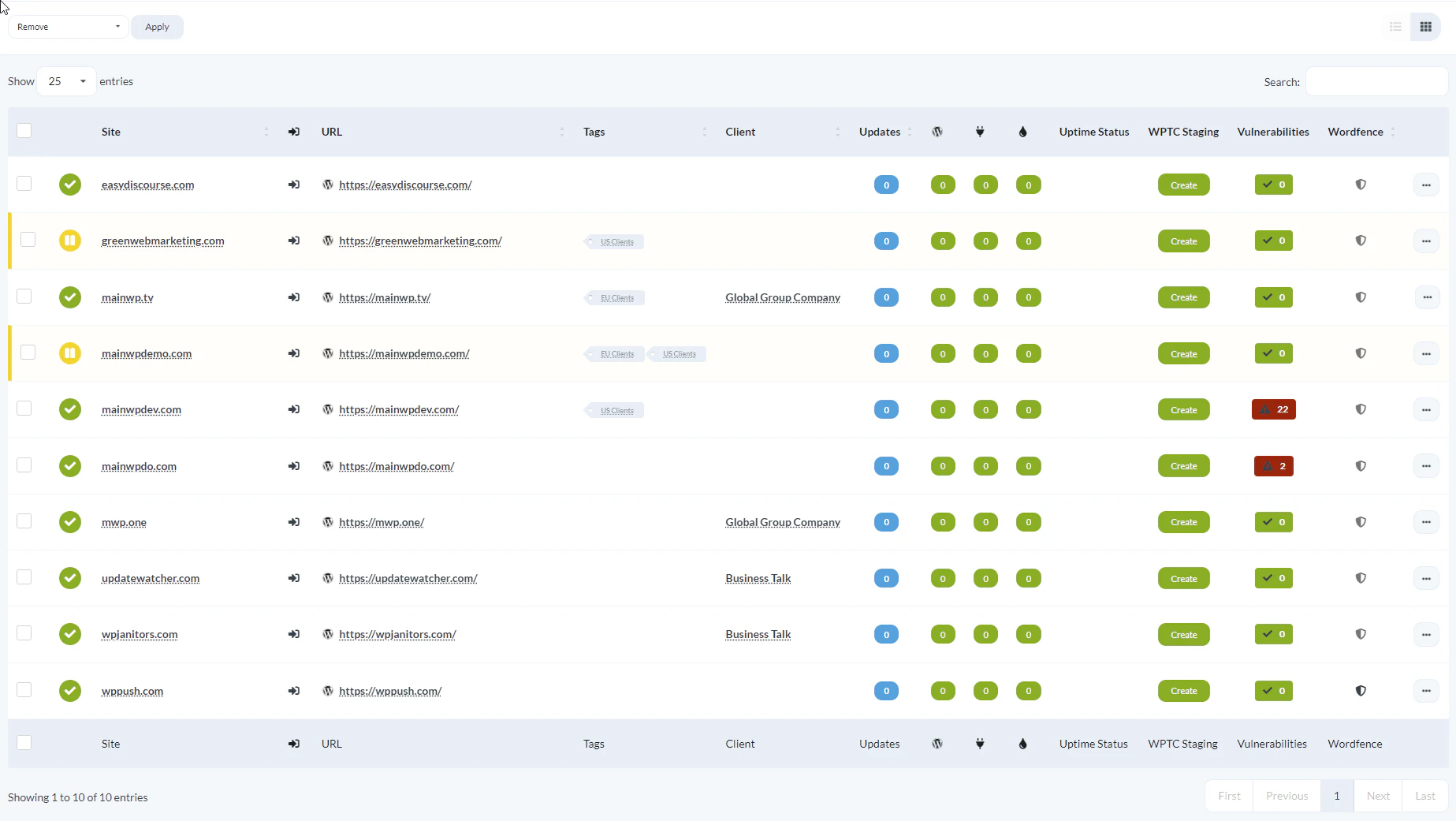
When to Use Each View
- List view: Best for sorting, filtering, and comparing site details across multiple columns
- Grid view: Best for quick visual scanning and when you recognize sites by their appearance