
Documentation Index
Fetch the complete documentation index at: https://mainwp-mintlify-c0f00f42.mintlify.app/llms.txt
Use this file to discover all available pages before exploring further.
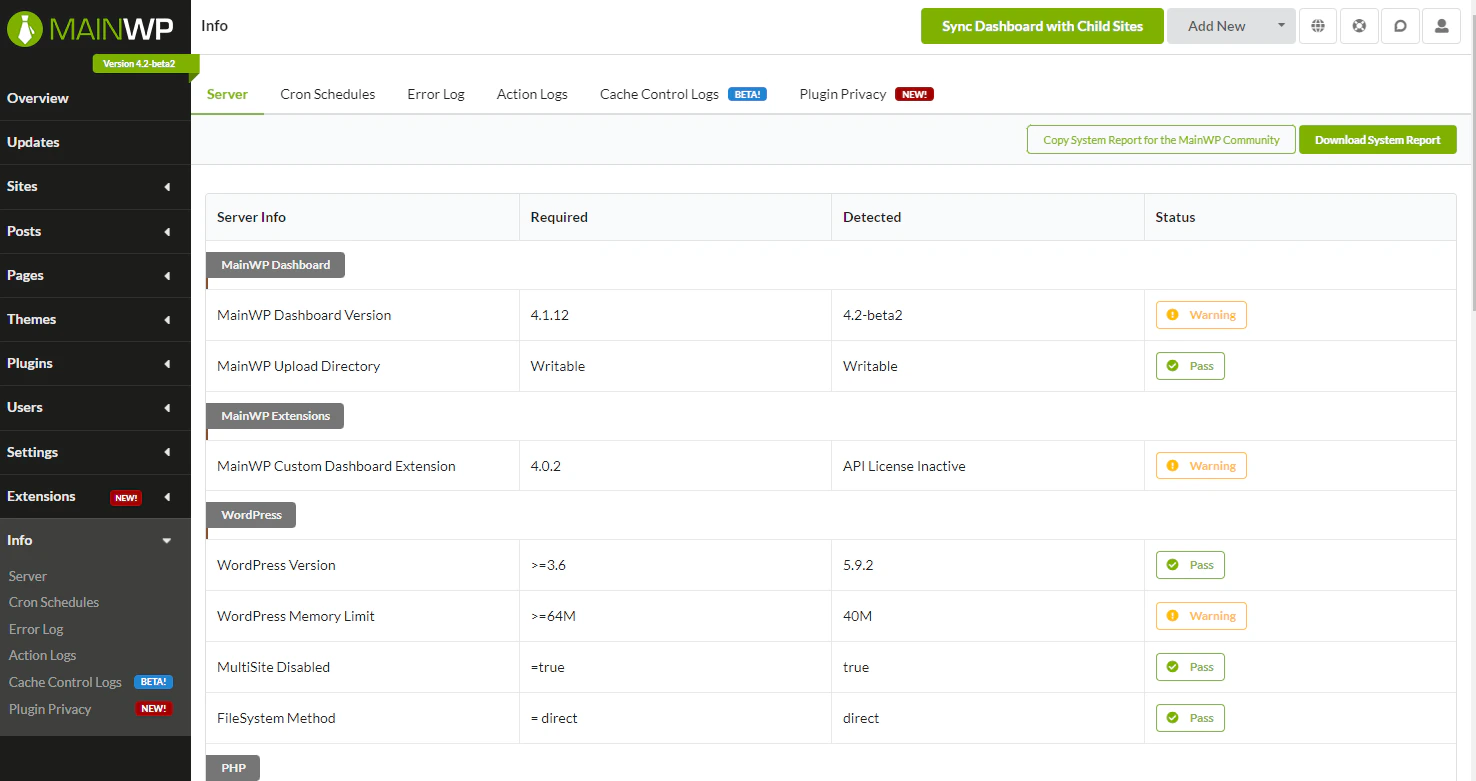
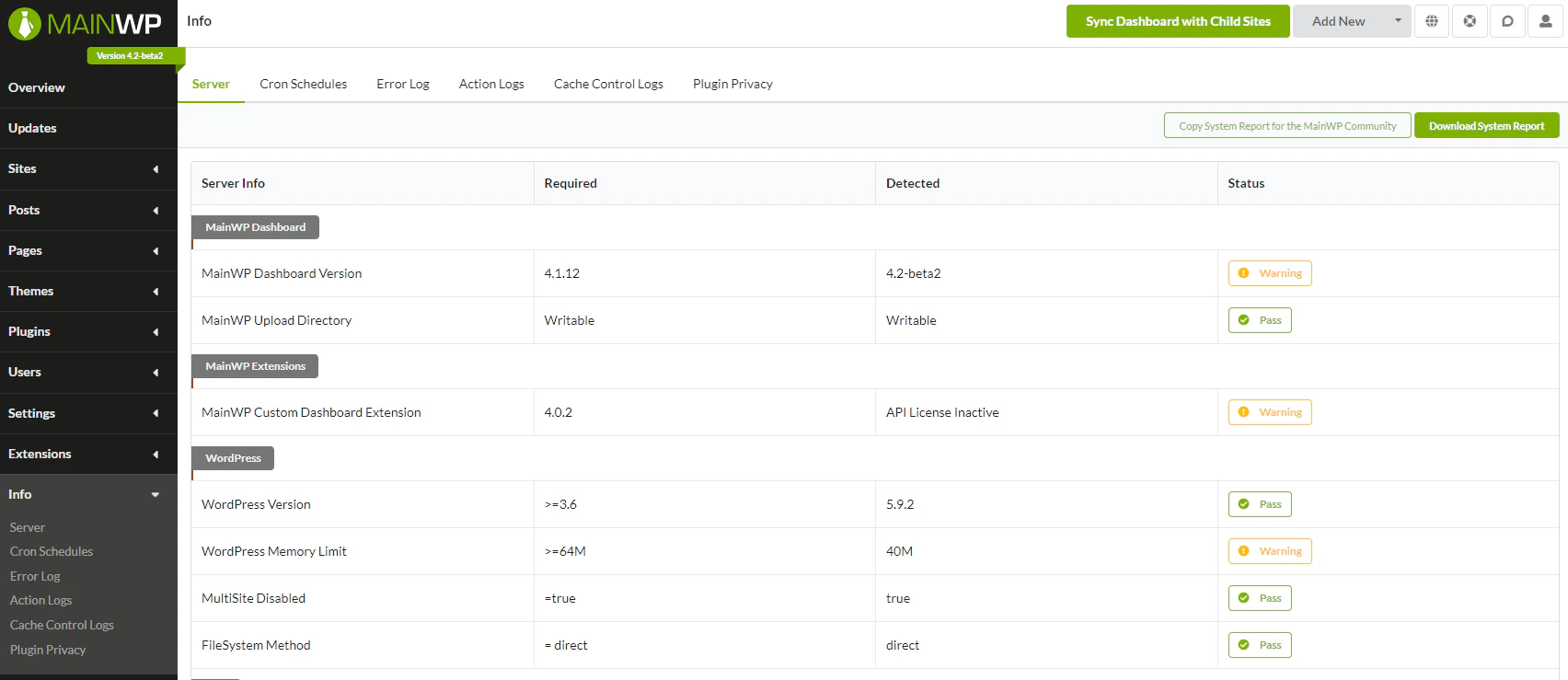
The MainWP Dashboard displays New and Beta labels next to recently added or experimental features. You can hide these labels if you prefer a cleaner interface.
What You’ll Learn
- What the New and Beta labels indicate
- How to hide them using CSS
Prerequisites
- Custom Dashboard extension installed (free)
About the Labels
MainWP uses labels to indicate feature status:| Label | Meaning |
|---|---|
| New | Feature added in the current version |
| Beta | Feature is experimental and may change |
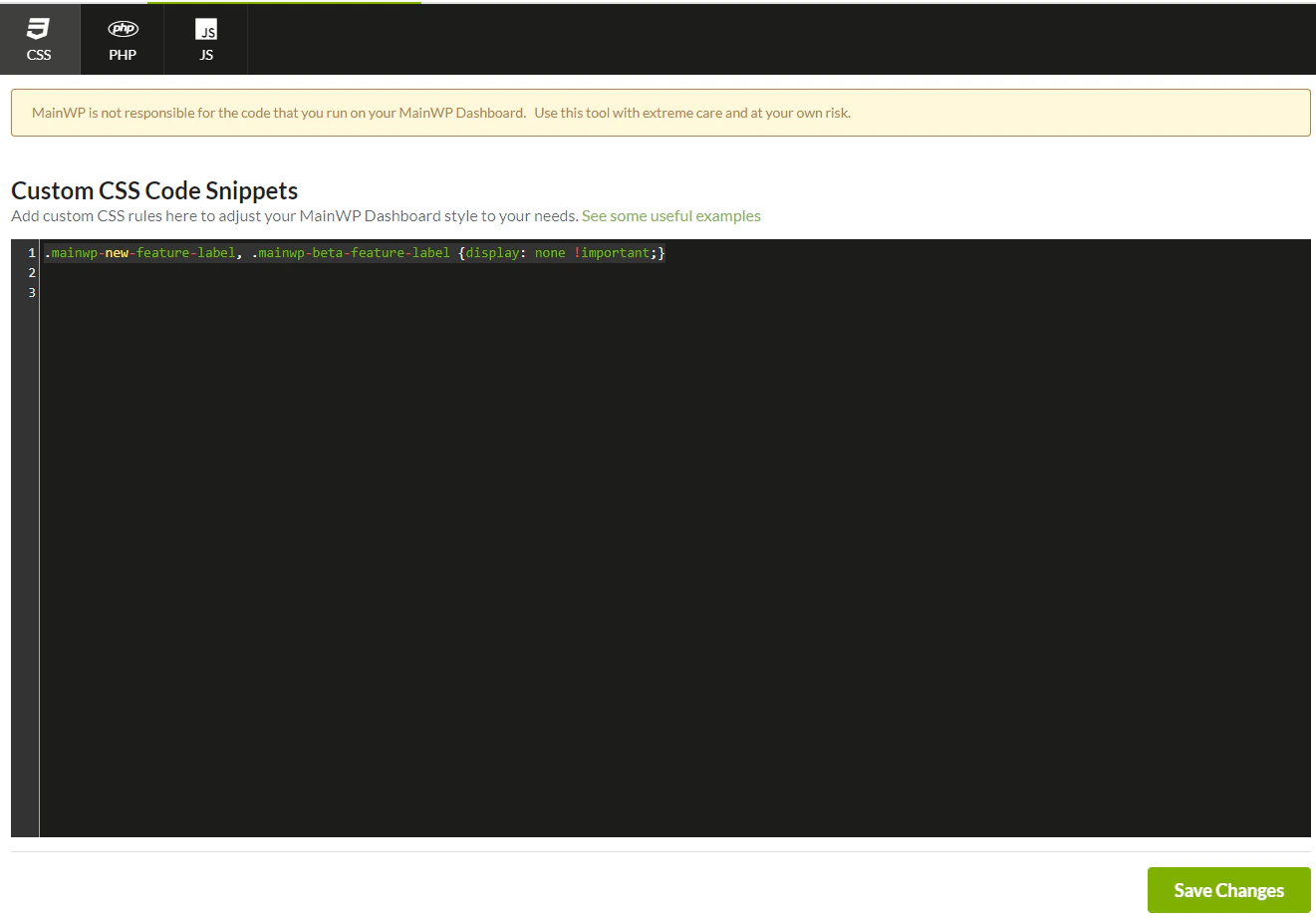
Hide the Labels
Restore the Labels
To show the labels again:- Return to the Custom Dashboard extension
- Remove the CSS snippet from the CSS tab
- Click Save Changes
Self-Check Checklist
- Custom Dashboard extension installed
- CSS snippet added to CSS tab
- Changes saved
- Labels no longer visible on Dashboard
Related Resources
- Custom Dashboard Extension - Full extension documentation
- Disable Tooltips - Remove hover tooltips
- Turn Off Guided Tours - Disable tutorial prompts